






Getting Started with Your POS
Welcome to Bottle POS! This article covers some things you'll need to configure in the Admin before

 October 01, 2024
Welcome to Bottle POS! Our first step is to sign into the Admin website that controls all the functionality, configuration, and data for your POS (point of sale) system.
Here is how to log into the back office Admin for your point of sale:
If you do not have your website link yet, please contact your Customer Success Manager for assistance.
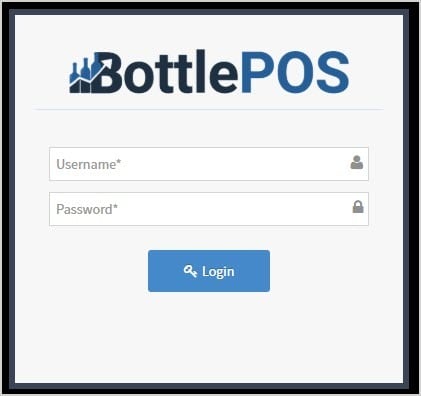
After arriving at your company's Bottle POS Admin website, the Admin will require login credentials in order to continue. Please use the login credentials sent to you by your Customer Success Manager.
Click the Login button to access the back office Admin.
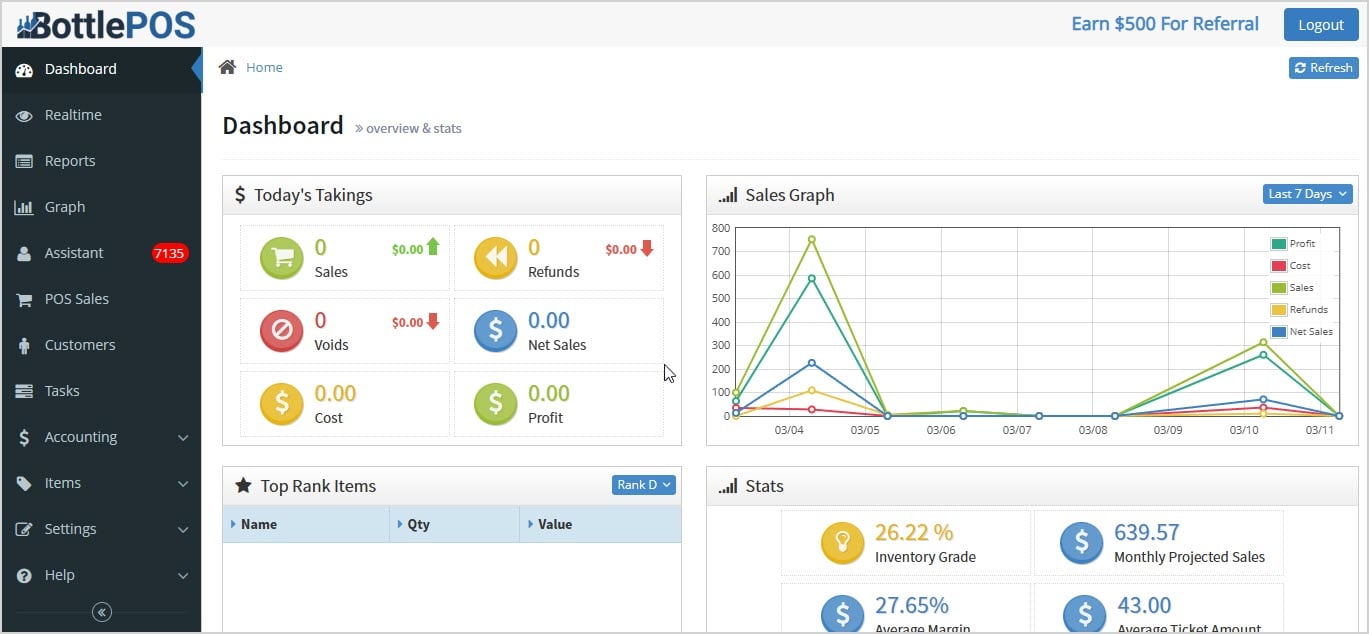
The Dashboard will load for you, and you can explore your Admin resources from there!
Q: I have a question, but I can't find my answer here, how do I get more assistance?
A: You can ask any question at the number below. Contact our 24/7 support team at: (877) 381-4087
Is this page helpful?
×Help us improve our articles