Realtime

October 01, 2024
Your Admin Realtime page gives you a live view of your sales as they come in and has some useful utility for you, take a look!

You can get to this part of the system by logging into your Admin and clicking on Realtime in the upper left.
Using the Realtime Page
Your Realtime page gives you instant view of system events such as transactions as they happen, as well as messaging functionality for your active Devices.
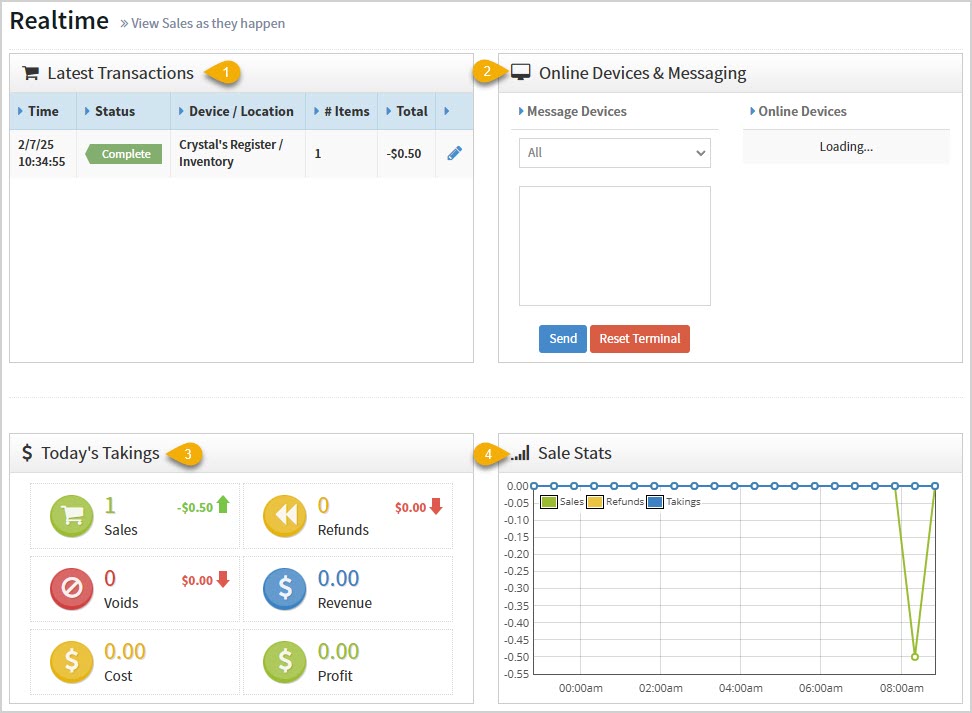
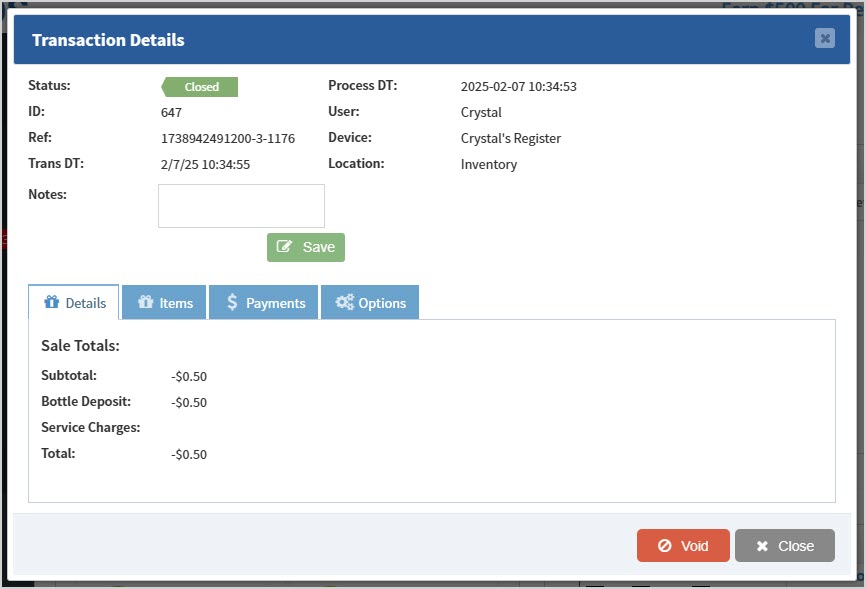
- Latest Transactions – You can see a chronological list of recent transactions here with details on Time, Status, Device & Location, Number of Items, Total, and a Pencil Icon you can click to view the Transaction's Details.
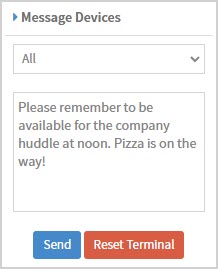
- Online Devices & Messaging – This is a utility you can use to see all Devices online across your stores for the POS. You can also send messages to specific devices or to All devices that will pop up on the Register for your sales clerks. The Reset Terminal function logs out the POS and sends it back to the lock screen (it is recommended not to use this function unless directed to do so by the Support team).
- Today's Takings – This area displays the following data across all of your stores for you:
- The total number of Sales. It also shows the total dollar amount of your sales.
- The total number of Refunds. It also shows you the total dollar amount of your refunds.
- The total number of Voids. It also shows you the total dollar amount of your voids.
- The total dollar amount of Revenues.
- The total Cost dollar amount of sold items.
- And the total dollar amount of your Profits.
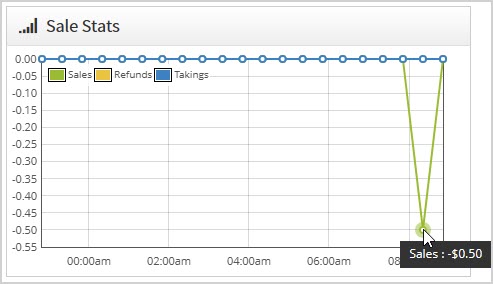
- Sale Stats – This area shows the most recent hours of sales and offers you Sales, Refunds, and Takings data if you hover your over a sale or click on it to see details.
Related Topics
Guide to the Admin Reports
Dashboard
Graphs
Frequently Asked Questions
Q: Can I view a longer time range in the Sale Stats?
A: Not on the Realtime page, but in the Register the Sales page shows a longer time range, and in the Admin Reports, the Sales report can display any time range you need.
Q: I have a question, but I can't find my answer here, how do I get more assistance?
A: You can ask any question at the number below. Contact our 24/7 support team at: (877) 381-4087
Your Admin Dashboard is your hub for keeping your finger on the pulse of your business. Take a look
The Reports in the Bottle POS Admin can show you details about all of your data, however you need to
The Summary Report shows a general summary of your sales information and can be filtered by store, r








Is this page helpful?
×Help us improve our articles