






Managing Timesheet Entries
It's common for employees to forget to clock in or out and when that happens you need an easy option

 October 01, 2024
The Bottle POS Register makes it easy to make Shortcut Keys that add hard-to-lookup or commonly sold items to transactions with a single click. Take a look at how you can set up your Item Shortcuts!
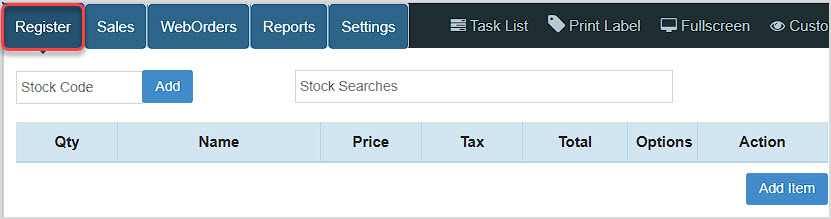
You can get to this part of the system by logging into your Register App. The Register will load for you.
Some items in your Bottle POS inventory might be difficult or time-consuming to find in the Register. You may also have items that are frequently purchased that would benefit from having Shortcut keys. Shortcut keys allow you to add items to a transactions with a single click. Below is an example of Shortcut Keys in the Bottle POS Register:
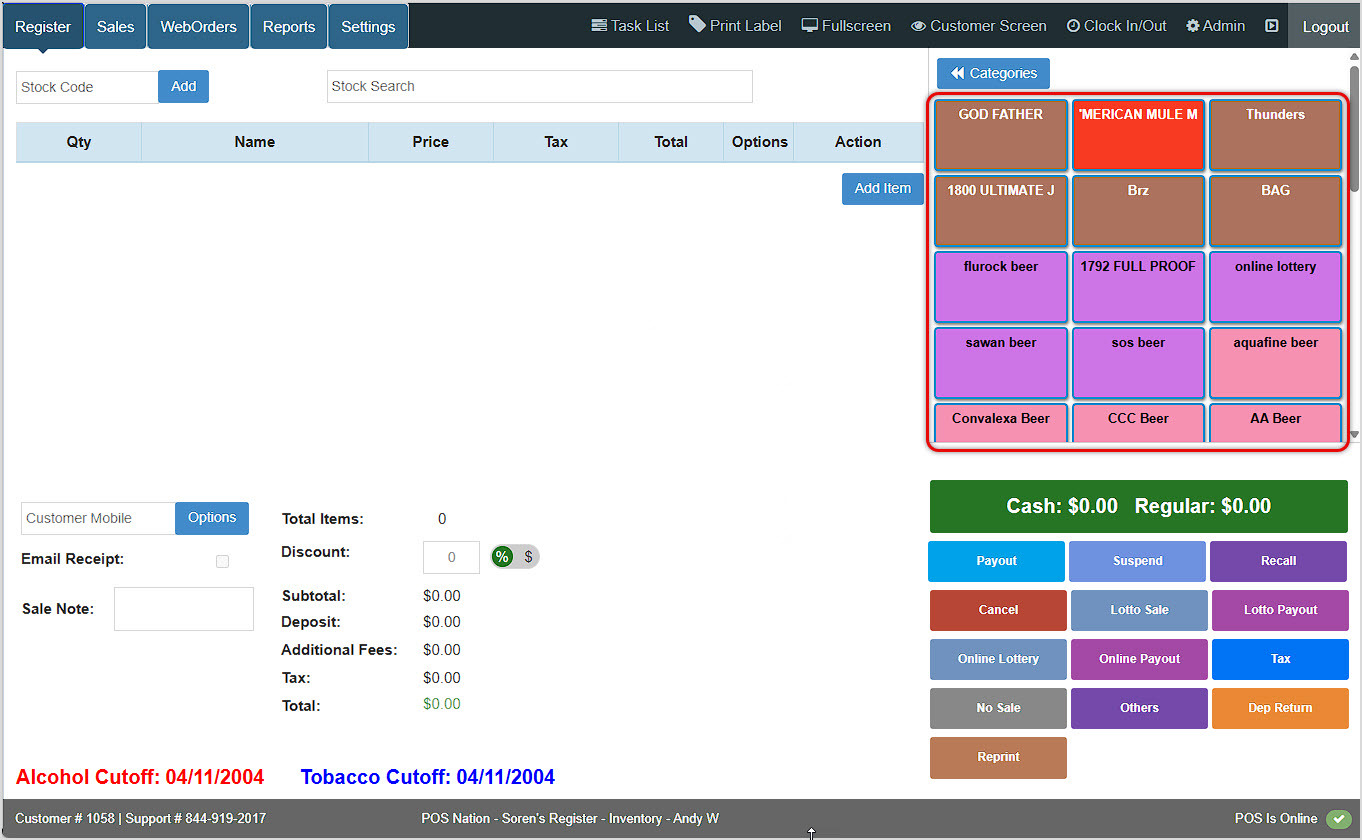
You'll see Shortcut Keys you've created on the right side of the Register.
The Bottle POS automatically creates Shortcut Keys for Categories you create. If you need to create Categories, you can do so in the back office Admin app under Items > Categories using the Add button in the upper right. Once your Categories are in place, you can use the Shortcut Keys to find specific items when the normal stock code barcode isn't available or if the keyword search isn't successful.
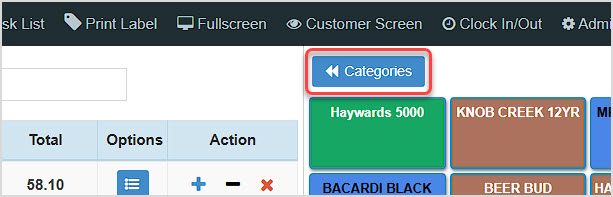
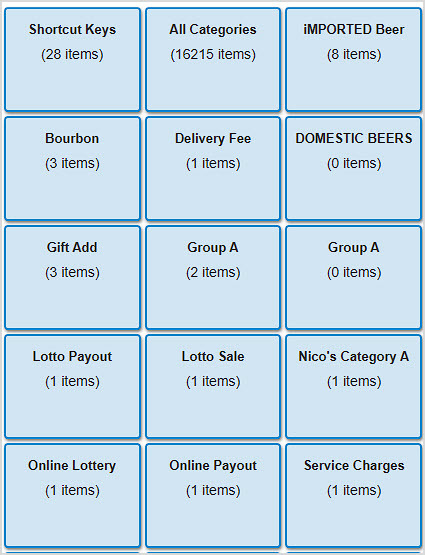

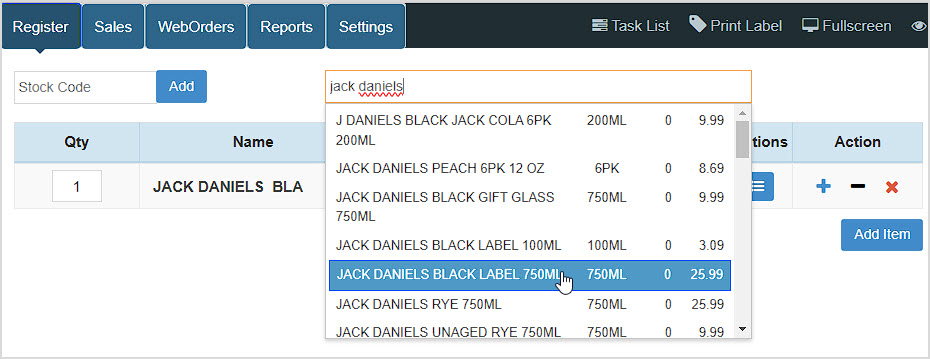

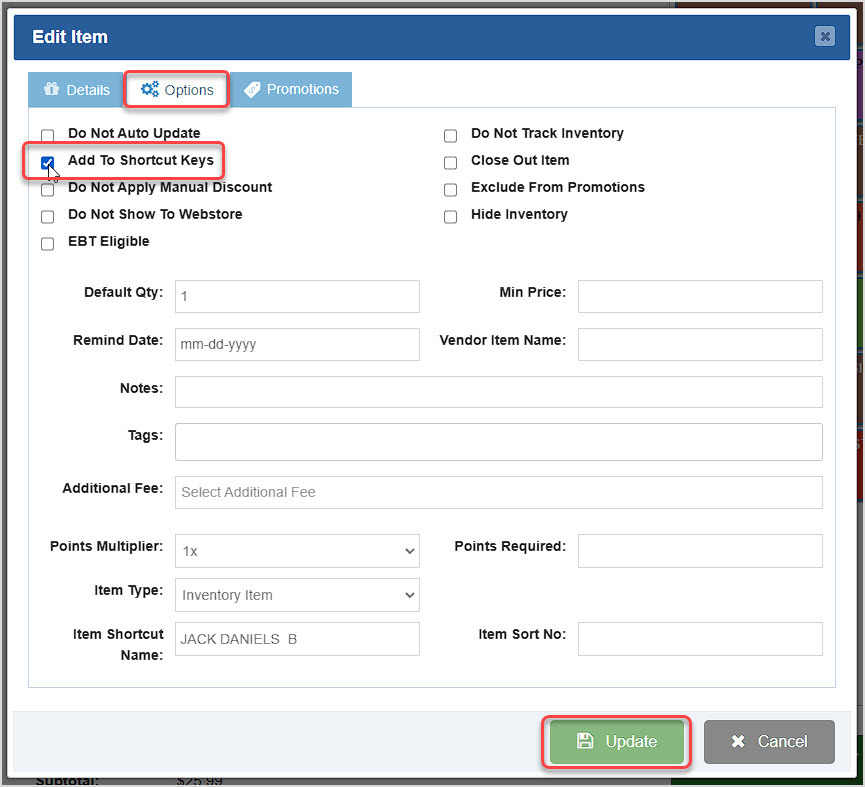
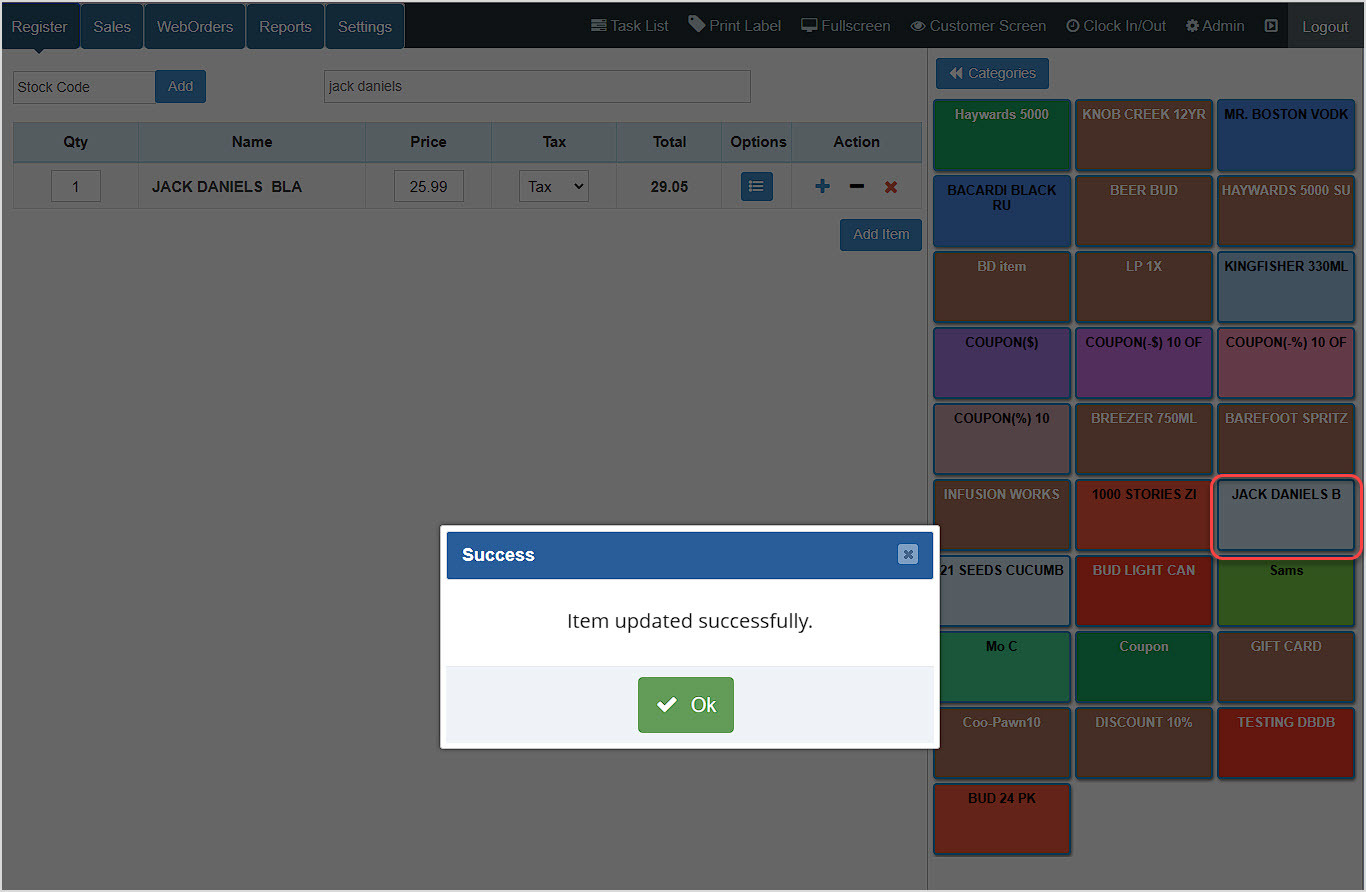
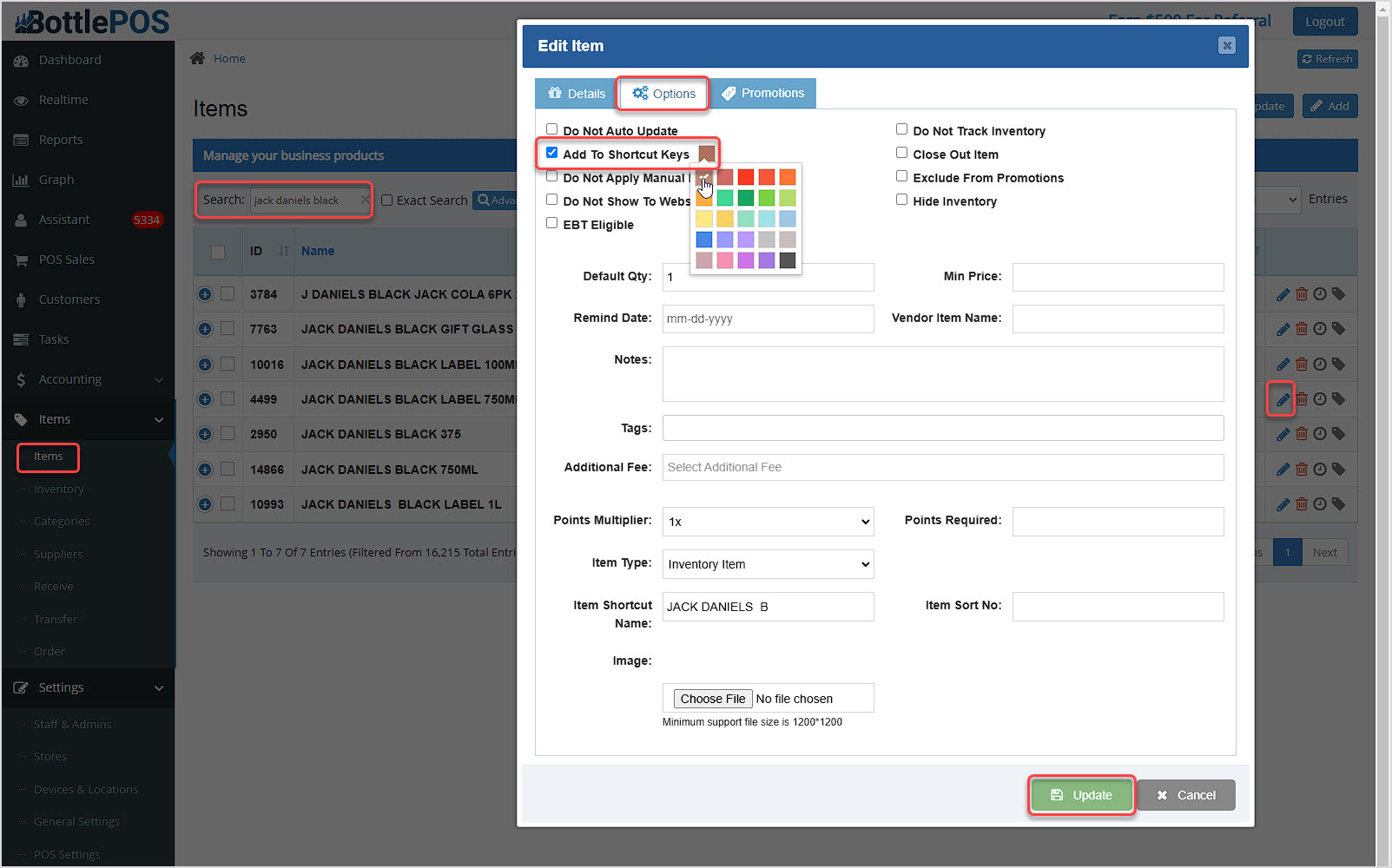
If you want to set a specific color for a Shortcut Key you've created, you can do so from the Items area of the Admin using the following steps:
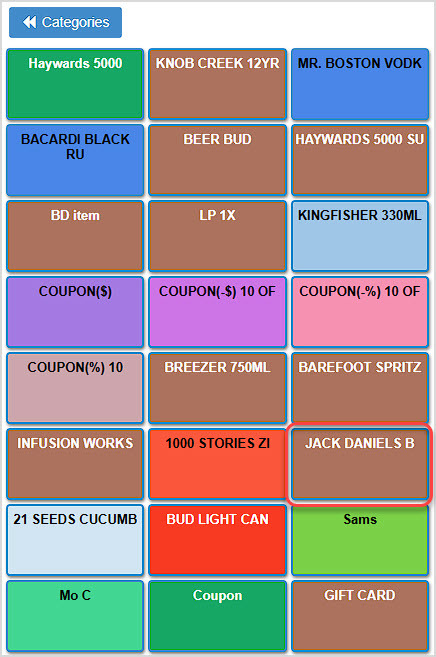
You can apply the steps above to any line item in the Register, including Coupons, Gift Cards, Manually-Created Items, and Lotto sales. Just add the item first, then click Options to add it to your Shortcut Keys.
How to Create Lottery and Hotkeys
Q: How do I configure Category Shortcuts?
A: To configure Shortcuts you will need to use the back office Admin. Review the article linked above for Register Categories for more information on working with Category Shortcuts.
Q: Is it possible for one of my Shortcuts to request a price when selected?
A: Yes, this type of function is set at the item level. Simply set the item's default price to $0 to enable this feature.
Q: I have a question, but I can't find my answer here, how do I get more assistance?
A: You can ask any question at the number below. Contact our 24/7 support team at: (877) 381-4087
Is this page helpful?
×Help us improve our articles